When you're full, the request stays in the queue.
One “sorry, we're full” can be enough for the guest to call the place next door. With EatNow they join the waitlist, and get an offer automatically the moment a table frees up.
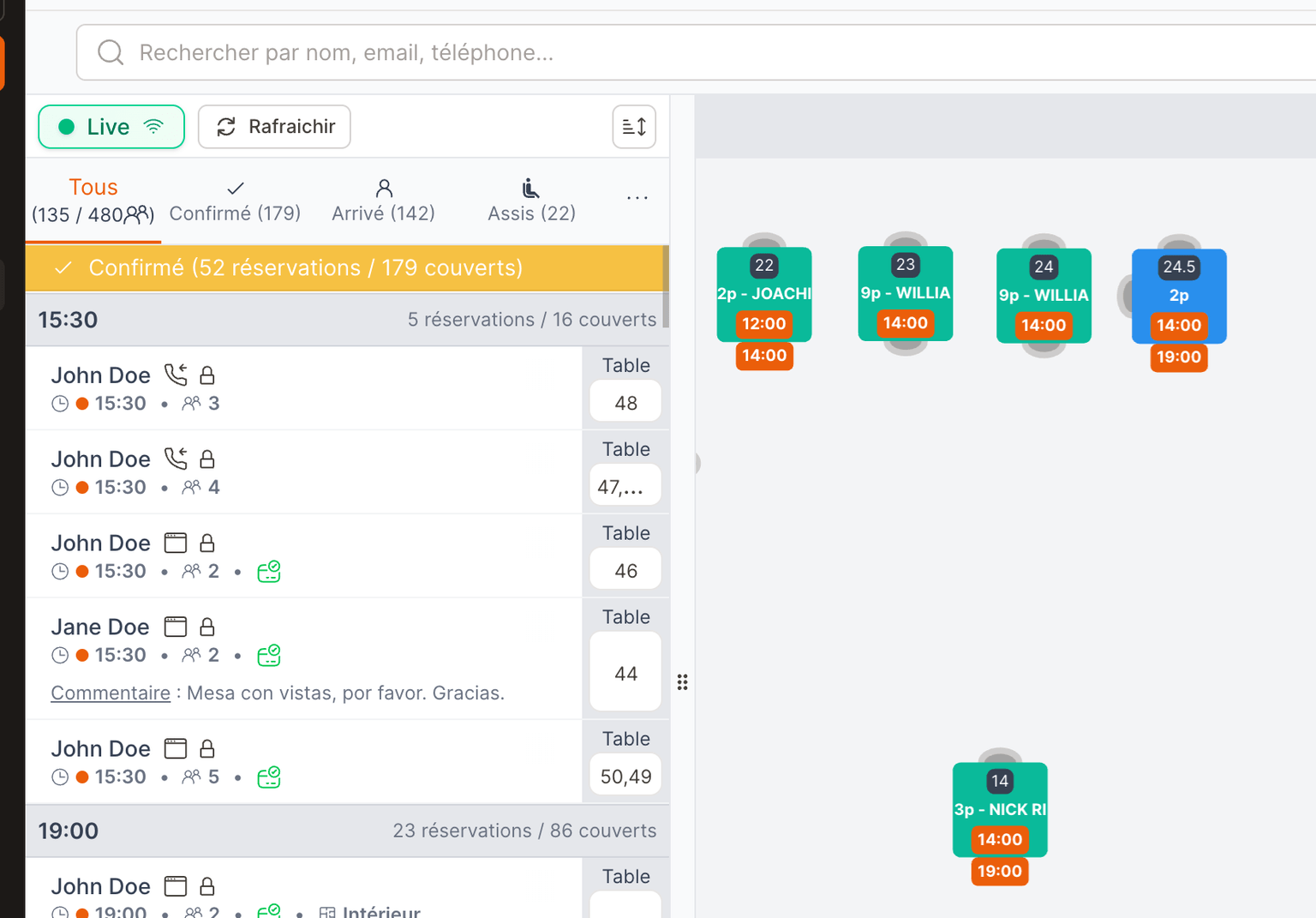

A table frees up before service, a waiting guest is notified.
When the requested slot is full, the guest can join the waitlist. If a table frees up, EatNow messages them automatically. Nobody on the team has a call to make.
- 6:04 pm
The 8:30 service is full. A request for four joins the waitlist.
- 7:12 pm
A booking for four is cancelled. EatNow looks for a matching request on the waitlist.
- 7:12 pm
The offer goes out automatically over WhatsApp, with a reply window.
- 7:19 pm
The guest confirms. The booking is added to the book and the table is no longer offered to anyone else.
As soon as a guest confirms, the table is theirs. With no reply inside the window, it goes to the next one.
Your venue is full, another address can still seat the guest.
If another address in the group has room at the same time, EatNow can offer it to the guest.
This applies to groups only. With a single venue, the waitlist works for that address only.
Before you open the waitlist
Is the guest notified automatically?
Yes. The moment a table matching their request frees up, they are messaged automatically. The message goes out even during service.
What if the first in the queue doesn't reply?
The table doesn't stay stuck. After the window you set, the offer moves automatically to the next guest.
Doesn't this risk overbooking?
No. EatNow only ever offers tables that have genuinely been freed, within the capacity and table duration set in the book.
Who can offer the guest another address?
Groups and chains running several addresses inside EatNow. With a single venue, the waitlist works for that address only.
Bring your whole room onto EatNow.
Reservations, deposits, WhatsApp confirmations, CRM, reporting — one single system. Human support, in French and English, from people who've worked service.